

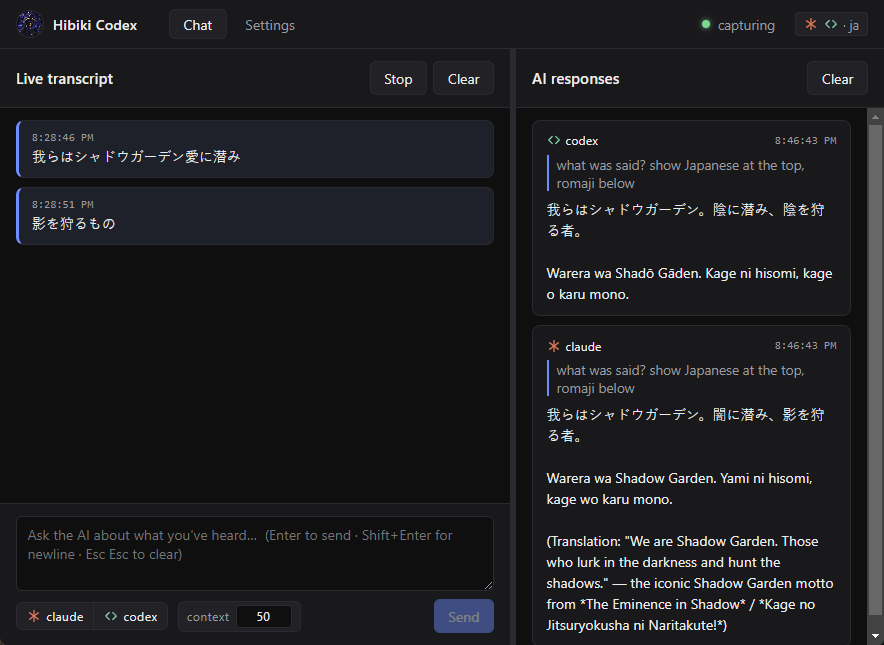
Decode a Japanese line on the fly
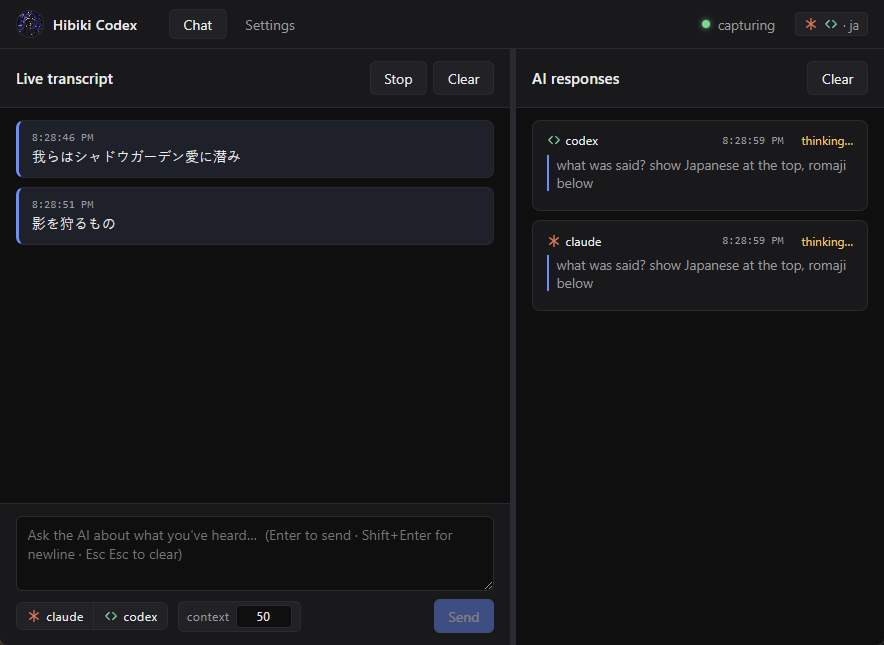
Pause a scene, let Hibiki transcribe the line that just played, then ask Claude or Codex to break it down — kanji reading, grammar, idiom, cultural context. No browser tab, no copy-paste across three sites.
Hibiki Codex captures your system audio, transcribes it locally with whisper.cpp (auto-detect, Japanese, or English), and lets you ask Claude or Codex about what you've been hearing — all in one Windows desktop app. Whisper runtime + model are downloaded in-app on first launch.
The whole loop runs locally on your machine — only your prompt and the surrounding transcript are sent to Claude or Codex when you ask.
WASAPI loopback grabs whatever your default playback device is playing — meetings, lectures, anime, anything.
whisper.cpp runs locally with a rolling buffer, streaming chat-style transcript lines. Auto-detect language, or pin to Japanese or English.
Send a prompt to Claude, Codex, or both side-by-side. The recent transcript is attached as context automatically.
Anything your computer plays, Hibiki can transcribe and pull context from. Two flows that come up a lot:
Pause a scene, let Hibiki transcribe the line that just played, then ask Claude or Codex to break it down — kanji reading, grammar, idiom, cultural context. No browser tab, no copy-paste across three sites.
Hear a confident claim about a date, a stat, or a feature? Ask Hibiki — the most recent transcript lines come along as context, so the AI knows exactly what was said and can call out whether it holds up.
Hibiki captures the call from your default playback device. Ask "what did we decide about X?" or "list the action items" and the AI answers from the live transcript — no recording to scrub through, no separate note-taker.
When the speaker drops a term you don't know, ask the AI for a definition or a quick recap of the last few minutes. The recent transcript travels with the prompt, so the answer lands in the same context the talk is in.
Pick exactly what whisper hears, and how the chat panel reads it back. Every option is switchable from the running app — most of them mid-capture.
A 🎤 toggle next to Start lays your default mic on top of system audio in real time — useful for calls where you're a participant, not just a listener. Hard-clipped 16-bit mix, dropped automatically when nothing else is playing so your voice still reaches whisper.
Pin the loopback to one process via
AUDIOCLIENT_ACTIVATION_TYPE_PROCESS_LOOPBACK —
transcribe just Discord, just Spotify, anything you can
pick from the running-process list. Include-tree captures
child renderers too. Windows 10 2004+. Beta.
Optional TinyDiarize model (downloaded from the same
catalog) adds a ⏵ speaker change divider
between bubbles wherever whisper detects a new speaker.
English-only for now — the underlying tdrz technique was
only ever trained on small.en. Beta.
Type / in the composer to summon templates by
name — built-ins for summarize / translate / glossary /
explain, plus anything you save under Settings → General.
Arrow keys to navigate, Enter to insert.
Every AI response card has copy and copy md buttons. Markdown export bundles engine, timestamp, prompt and response into a single block, ready to paste into a doc or chat thread without losing context.
Packaged builds check this repo's GitHub Releases on launch and download new versions in the background. A small banner appears when one's ready — click Restart & install to apply.
Hibiki ships with no whisper-cli, no model, no AI CLI — every piece is something you pick. Four steps inside Settings get you to a working transcript.
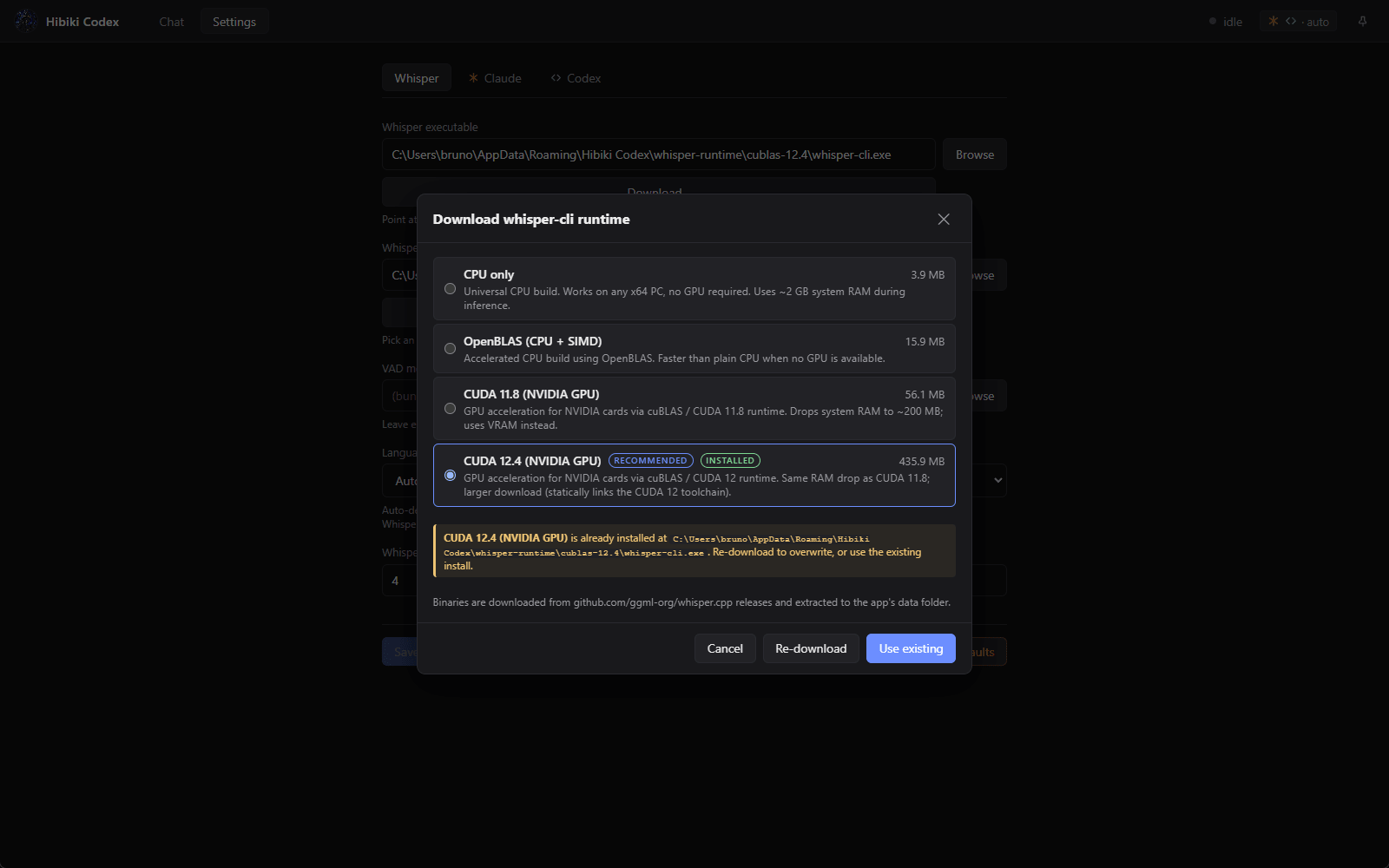
Settings → Whisper → Download… opens a variant chooser. NVIDIA GPU? Pick CUDA 12.4 (recommended). Otherwise CPU. Installs into the app's data folder.
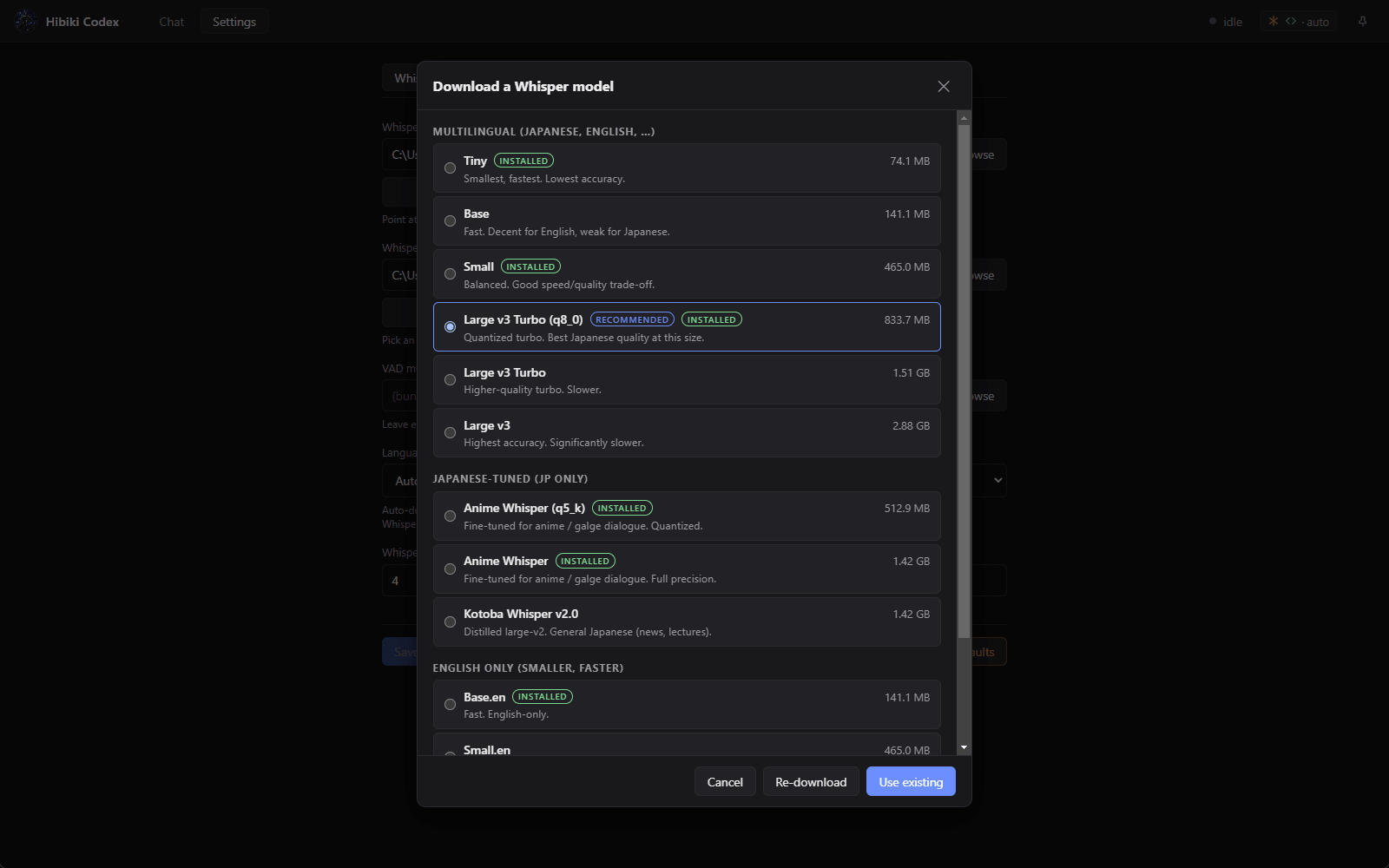
Same idea for the GGML model — pick one from the curated catalog (Large v3 Turbo q8_0 is recommended for Japanese). Already-installed entries show an "installed" badge so you can re-use them.
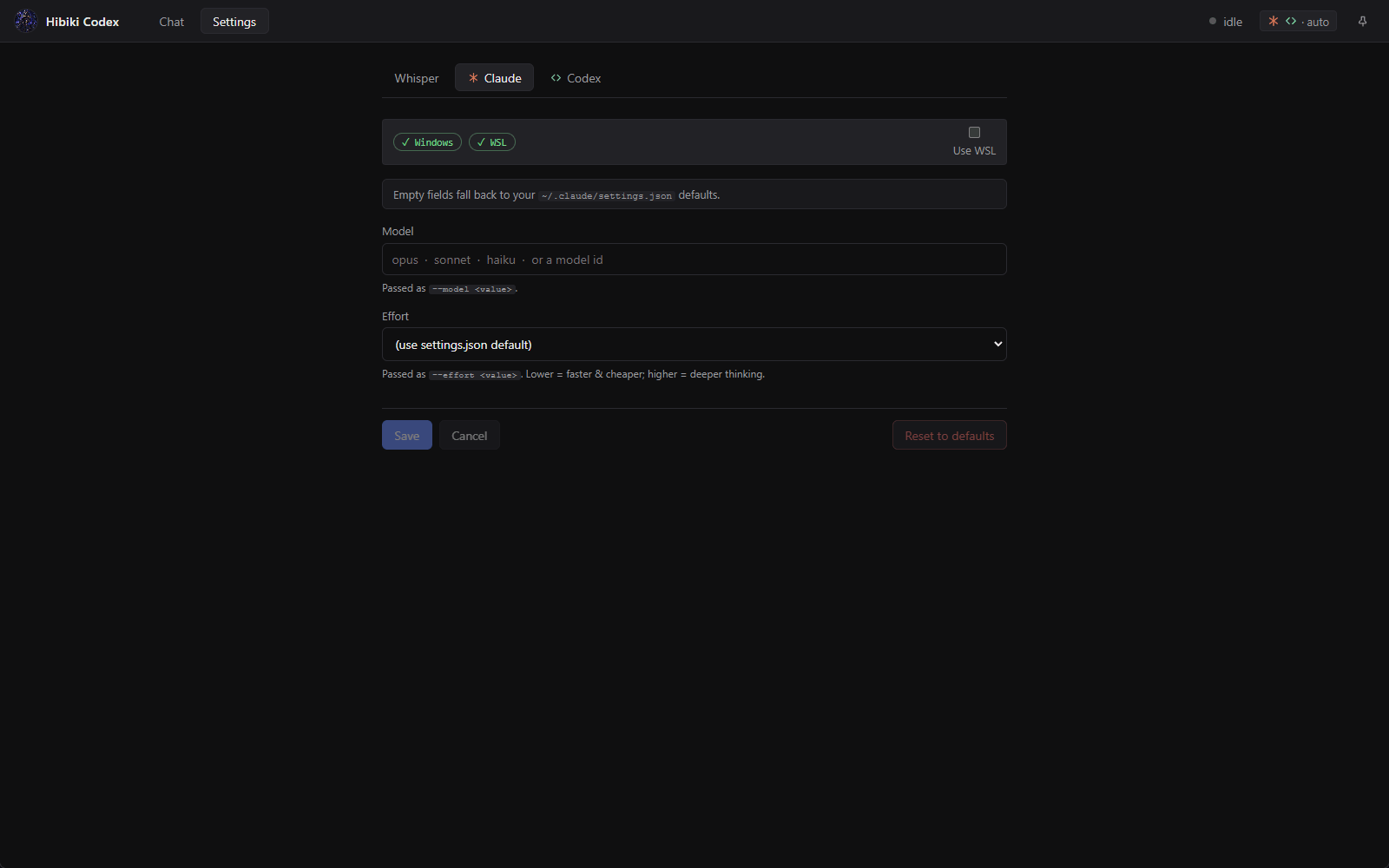
The Claude and Codex tabs auto-detect whether each CLI is on
PATH or in WSL. Missing on Windows? One click runs
winget install Anthropic.ClaudeCode and streams
the log live.
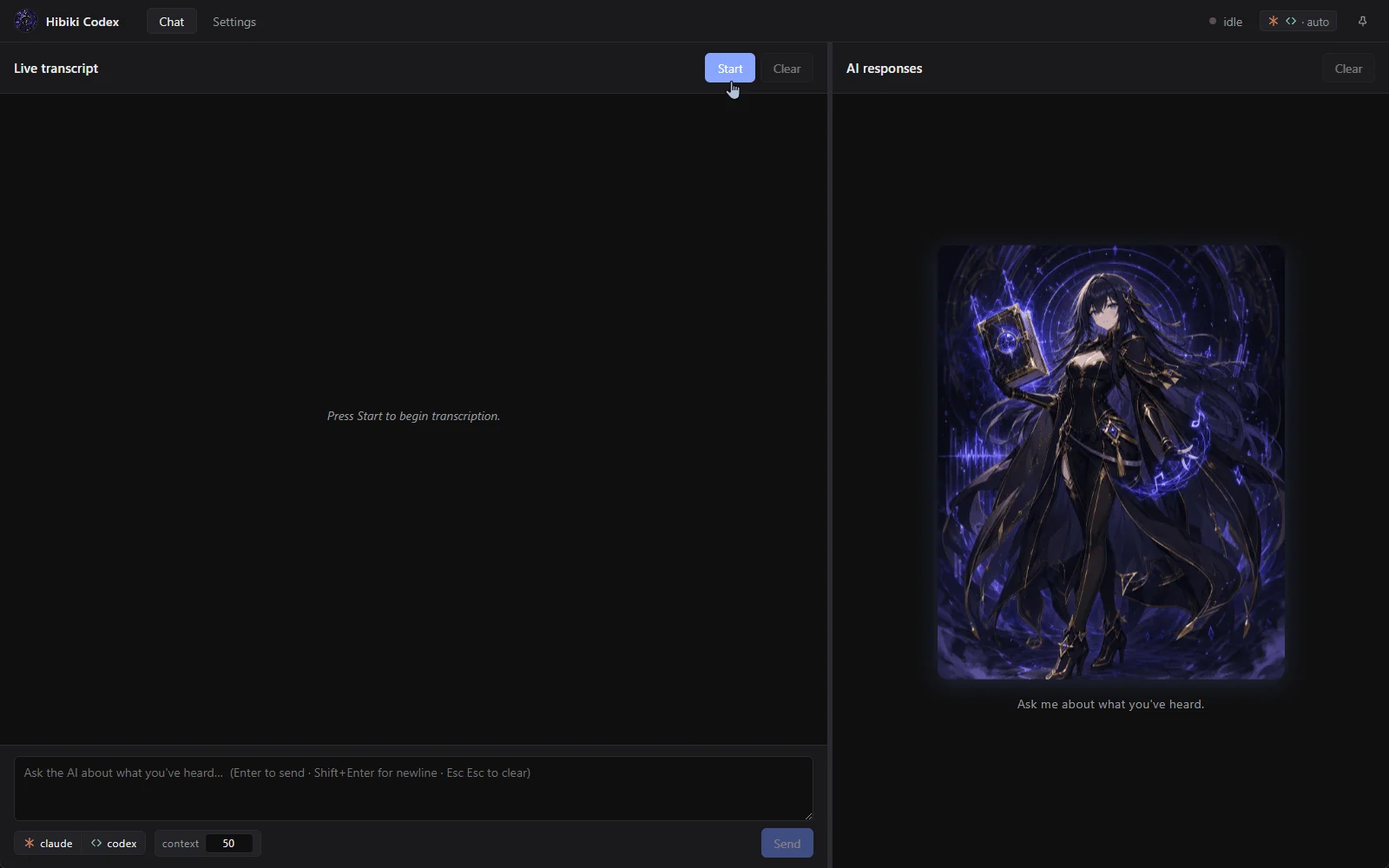
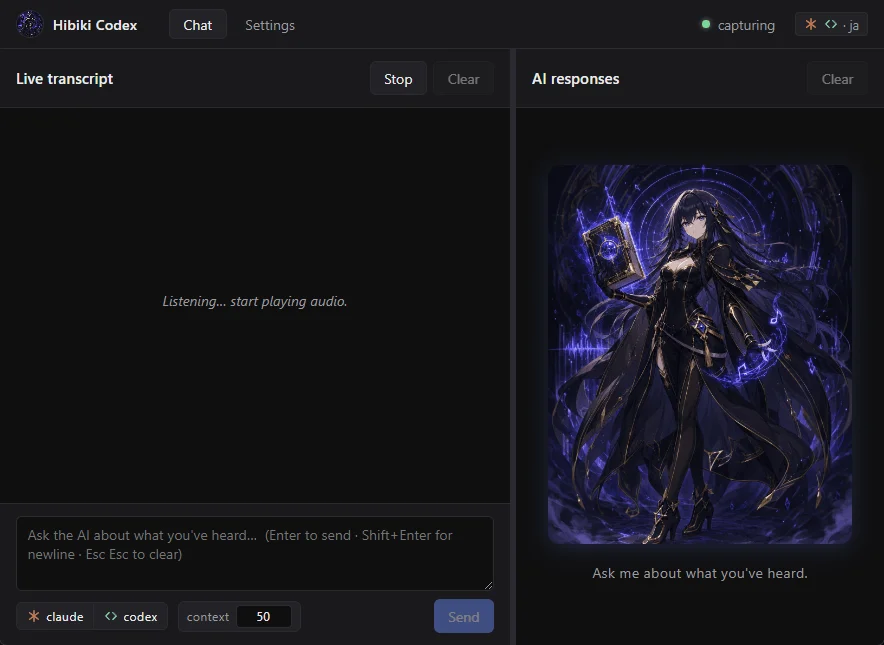
Save, head to Chat, hit Start. Play some audio — transcript lines stream in. Type a prompt, hit Enter, and the recent transcript rides along to whichever engine(s) you picked.
A small, sharp stack — React on the surface, Electron and Rust underneath, whisper.cpp doing the heavy lifting offline.
Built around Windows-specific audio capture today. Linux and macOS ports are plausible but unproven — contributions welcome.
Built around WASAPI loopback and PowerShell 7+. Tested on Windows 11.
Audio capture would need to swap WASAPI for PulseAudio or PipeWire. Everything else should port cleanly.
System-audio loopback needs a driver like BlackHole or Soundflower. Not yet attempted.
Hibiki Codex runs on Windows 11 with PowerShell 7+. Toolchain
versions are pinned in mise.toml, so setup is three
commands.
At least one AI CLI on your PATH (or inside WSL —
the app detects both and offers a "Use WSL" toggle per engine):
Claude Code
(claude) — install with
winget install Anthropic.ClaudeCode. The Settings
page can run the winget install for you when it isn't detected.
OpenAI Codex CLI
(codex exec) — install with
npm install -g @openai/codex.
whisper-cli + a GGML model: downloaded from inside the app — Settings → Whisper → Download…. Pick a runtime variant (CPU / OpenBLAS / CUDA 11.8 / CUDA 12.4) and a model from the curated catalog.
# 1. Install mise (one-time) winget install jdx.mise # 2. Install Bun + Rust at the pinned versions mise install mise trust # 3. Install JS deps and build the Rust native module bun install bun install --cwd native bun run build:rust # 4. Launch — then open Settings and use the in-app Download buttons # to grab a whisper-cli variant (CUDA 12.4 recommended for NVIDIA GPUs) # and a GGML model. Press Start on the Chat tab to begin transcribing. bun run dev
Prefer a one-shot install? Paste the Setup with AI prompt from the README into Claude Code or Codex — it installs every prerequisite and builds the project; the whisper runtime + model are then downloaded from inside the app on first launch.